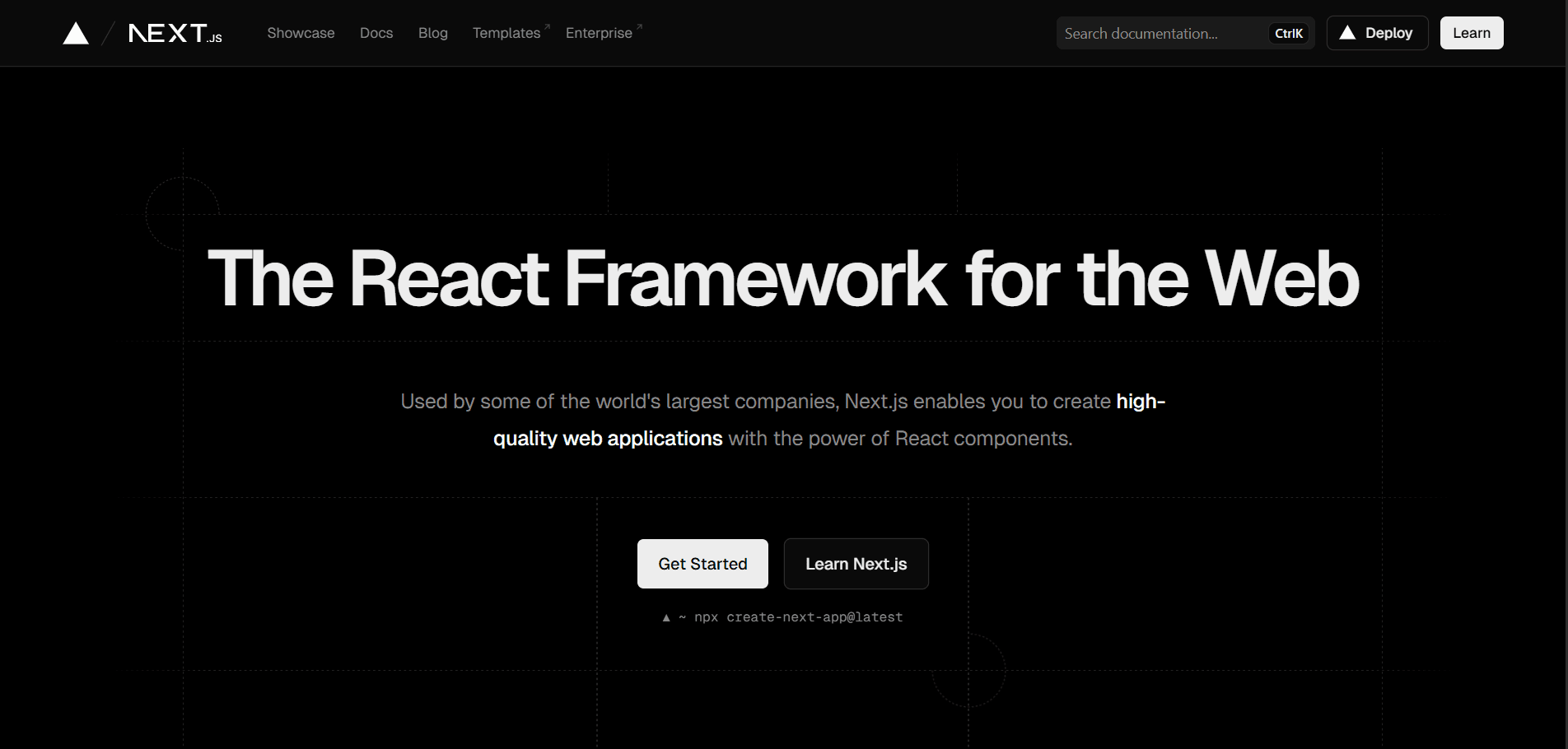
Introduction to Next.js
What is Next.js?
Next.js is a powerful React framework developed by Vercel that enables developers to build production-ready web applications with ease. It extends React's capabilities by providing a robust set of features including server-side rendering, static site generation, API routes, and automatic code splitting. Since its initial release in 2016, Next.js has become one of the most popular frameworks for building modern web applications.
The framework is designed to solve common challenges that developers face when building React applications, such as routing, data fetching, performance optimization, and SEO. With Next.js, you get a complete solution that handles these concerns out of the box, allowing you to focus on building your application rather than configuring build tools and infrastructure.
Why Choose Next.js?
Next.js has gained massive adoption in the web development community for several compelling reasons. Understanding these benefits will help you decide if Next.js is the right choice for your next project.
Performance Out of the Box
One of the most significant advantages of Next.js is its focus on performance. The framework automatically optimizes your application through various techniques including automatic code splitting, image optimization, and font optimization. Every page only loads the JavaScript it needs, resulting in faster page loads and better user experience. The built-in Image component automatically optimizes images, lazy loads them, and serves them in modern formats like WebP when supported.
Multiple Rendering Strategies
Next.js offers flexibility in how you render your pages. You can choose between Static Site Generation (SSG), Server-Side Rendering (SSR), Incremental Static Regeneration (ISR), or Client-Side Rendering (CSR) on a per-page basis. This flexibility allows you to optimize each route based on its specific requirements. Static pages can be pre-rendered at build time for maximum performance, while dynamic pages can be rendered on-demand on the server.
Enhanced Developer Experience
The developer experience in Next.js is exceptional. Features like Fast Refresh provide instant feedback as you edit your code, with state preservation across updates. The framework uses file-based routing, which means creating a new route is as simple as adding a file to the pages or app directory. TypeScript support is built-in and requires minimal configuration. Error messages are clear and actionable, helping you identify and fix issues quickly.
SEO and Social Sharing
Search engine optimization is crucial for many web applications, and Next.js excels in this area. Server-side rendering ensures that search engine crawlers receive fully rendered HTML, improving your site's discoverability. The framework makes it easy to add metadata, Open Graph tags, and structured data to your pages. This is particularly important for content-driven sites, e-commerce platforms, and any application where organic search traffic matters.
Core Concepts
Understanding the fundamental concepts of Next.js will help you build applications more effectively. Let's explore the key building blocks that make Next.js powerful.
File-Based Routing
Next.js uses a file-system based router where the folder structure in your app or pages directory directly corresponds to your application's routes. Creating a new route is as simple as adding a new file. For example, creating app/about/page.tsx automatically creates an /about route in your application.
Dynamic routes are created using square brackets in the filename. A file named app/blog/[slug]/page.tsx will match routes like /blog/hello-world or /blog/introduction-to-nextjs. You can also create catch-all routes using [...slug] syntax, which matches multiple path segments.
Pages and Layouts
In the App Router (Next.js 13+), pages are defined using page.tsx files, while layouts are defined using layout.tsx files. Layouts wrap pages and can be nested, allowing you to create shared UI elements like headers, footers, and sidebars that persist across route changes. This component hierarchy makes it easy to build complex applications with consistent design patterns.
Layouts are also the perfect place to fetch data that's needed across multiple pages, implement authentication checks, or set up global state. The root layout is required and wraps your entire application, making it ideal for HTML structure and global providers.
Server Components and Client Components
Next.js 13 introduced React Server Components as the default, representing a paradigm shift in how we build React applications. Server Components render on the server and never send JavaScript to the client, resulting in smaller bundle sizes and faster initial page loads. They can directly access backend resources like databases and APIs without needing a separate API layer.
Client Components, marked with the "use client" directive, run in the browser and are necessary for interactive features that require React hooks like useState, useEffect, or event handlers. The framework intelligently splits your application between server and client, optimizing performance automatically.
Data Fetching
Data fetching in Next.js is flexible and powerful. With Server Components, you can fetch data directly in your components using async/await, eliminating the need for useEffect or state management for initial data loading. The framework provides several patterns for data fetching depending on your needs.
For static data that doesn't change often, you can fetch it at build time. For dynamic data, you can fetch it on each request. The fetch API in Next.js is extended with automatic request deduplication and caching capabilities, ensuring efficient data fetching across your application.
Getting Started with Next.js
Let's walk through creating your first Next.js application and understanding its structure.
Installation and Setup
Creating a new Next.js project is straightforward using the create-next-app command-line tool. This tool sets up everything you need with sensible defaults:
npx create-next-app@latest my-next-app
cd my-next-app
npm run dev
During setup, you'll be prompted to choose configuration options like TypeScript support, ESLint, Tailwind CSS, and which directory structure to use (App Router or Pages Router). For new projects, the App Router is recommended as it provides access to the latest Next.js features.
Project Structure
A typical Next.js project has a well-organized structure. The app directory contains your application's routes, layouts, and pages. The public directory holds static assets like images and fonts that are served as-is. The components directory (not created by default) is where you'll typically organize reusable React components.
Configuration files include next.config.js for Next.js-specific settings, tsconfig.json for TypeScript configuration, and tailwind.config.js if you're using Tailwind CSS. The package.json file defines your dependencies and scripts for development, building, and starting your application.
Creating Your First Page
Creating a page in Next.js using the App Router is simple. Here's a basic example:
// app/page.tsx
export default function Home() {
  return (
    <main>
      <h1>Welcome to Next.js!</h1>
      <p>This is your first Next.js page.</p>
    </main>
  );
}
This creates your home page at the root route /. The component is a Server Component by default, meaning it renders on the server and provides excellent performance and SEO benefits.
Adding Dynamic Routes
Dynamic routes allow you to create pages based on dynamic data. Here's an example of a blog post page:
// app/blog/[slug]/page.tsx
export default async function BlogPost({
  params,
}: {
  params: Promise<{ slug: string }>;
}) {
  const { slug } = await params;

  return (
    <article>
      <h1>Blog Post: {slug}</h1>
      <p>Content for {slug} goes here.</p>
    </article>
  );
}
This creates a dynamic route that matches URLs like /blog/my-first-post or /blog/introduction-to-nextjs.
Key Features in Detail
Let's dive deeper into some of Next.js's most powerful features that set it apart from other frameworks.
Image Optimization
The Next.js Image component provides automatic image optimization, lazy loading, and responsive images. It serves images in modern formats like WebP and AVIF when supported, and automatically generates multiple sizes for responsive images:
import Image from 'next/image';

export default function ProfilePicture() {
  return (
    <Image
      src="/profile.jpg"
      alt="Profile picture"
      width={500}
      height={500}
      priority
    />
  );
}
The Image component prevents Cumulative Layout Shift (CLS) by requiring width and height, and includes built-in lazy loading for images below the fold.
API Routes
Next.js allows you to create API endpoints as part of your application, eliminating the need for a separate backend server for simple use cases. API routes are defined in the app/api directory:
// app/api/hello/route.ts
import { NextResponse } from 'next/server';

export async function GET() {
  return NextResponse.json({ message: 'Hello from Next.js API!' });
}
These endpoints can handle GET, POST, PUT, DELETE, and other HTTP methods, making it easy to build full-stack applications within a single codebase.
Middleware
Middleware in Next.js runs before a request is completed, allowing you to modify the response, redirect, rewrite, or add headers. It's perfect for authentication, localization, and A/B testing:
// middleware.ts
import { NextResponse } from 'next/server';
import type { NextRequest } from 'next/server';

export function middleware(request: NextRequest) {
  // Add custom logic here
  return NextResponse.next();
}

export const config = {
  matcher: '/dashboard/:path*',
};
Font Optimization
Next.js automatically optimizes fonts, including custom fonts from Google Fonts. The framework downloads font files at build time and self-hosts them, eliminating external network requests:
import { Inter } from 'next/font/google';

const inter = Inter({ subsets: ['latin'] });

export default function RootLayout({ children }) {
  return (
    <html lang="en" className={inter.className}>
      <body>{children}</body>
    </html>
  );
}
Deployment and Production
Next.js applications are production-ready out of the box, with excellent deployment options and performance optimizations.
Building for Production
Building your Next.js application for production is straightforward:
npm run build
npm start
The build process generates optimized production bundles, pre-renders static pages, and prepares your application for deployment. Next.js analyzes your application and provides detailed information about bundle sizes and page types.
Deployment Options
While Next.js is developed by Vercel and integrates seamlessly with their platform, you can deploy Next.js applications to many hosting providers. Vercel offers the simplest deployment experience with automatic deployments from Git, preview deployments for pull requests, and edge functions.
You can also deploy to other platforms like AWS, Google Cloud, Azure, or even traditional Node.js hosting. For static exports, you can use any static hosting service. The flexibility in deployment options means you can choose the platform that best fits your needs and budget.
Performance Monitoring
Next.js includes built-in analytics for monitoring Core Web Vitals and other performance metrics. You can also integrate third-party monitoring tools to track real user performance, error rates, and application health in production.
Best Practices
Following these best practices will help you build better Next.js applications that are performant, maintainable, and scalable.
Use Server Components by Default
Start with Server Components and only use Client Components when you need interactivity or browser-only APIs. This approach minimizes JavaScript sent to the client and improves initial page load performance.
Optimize Images and Fonts
Always use the Next.js Image component for images and the font optimization features for web fonts. These built-in optimizations significantly improve performance with minimal effort.
Implement Proper Error Handling
Create custom error pages and loading states to provide better user experiences. Use error boundaries to catch and handle errors gracefully.
Follow the File-Based Routing Convention
Organize your routes logically using the file-based routing system. Use route groups for organization without affecting the URL structure, and implement proper loading and error states at each level.
Leverage TypeScript
TypeScript provides excellent developer experience in Next.js with automatic type inference and IntelliSense. The framework includes built-in TypeScript support with minimal configuration.
Common Use Cases
Next.js excels in various application types, each benefiting from different features of the framework.
E-commerce Platforms
Next.js is excellent for e-commerce due to its SEO capabilities, image optimization, and flexible rendering strategies. You can use ISR to keep product pages fresh while maintaining excellent performance.
Content Management Systems
For content-heavy sites and blogs, Next.js provides great SEO, fast page loads, and easy content management integration. MDX support makes it easy to create rich, interactive content.
Marketing and Landing Pages
Static generation makes Next.js perfect for marketing sites that need excellent performance and SEO. The framework's image optimization and font handling ensure top-notch Core Web Vitals scores.
Dashboard Applications
For authenticated applications and dashboards, Next.js's API routes, authentication patterns, and data fetching capabilities provide everything you need to build full-stack applications.
Conclusion
Next.js has revolutionized how we build React applications by providing a comprehensive framework that handles routing, rendering, data fetching, and optimization out of the box. Its flexibility in rendering strategies, excellent developer experience, and focus on performance make it an ideal choice for a wide range of web applications.
Whether you're building a simple blog, a complex e-commerce platform, or a full-stack application, Next.js provides the tools and patterns you need to succeed. The framework continues to evolve with new features and improvements, maintaining its position as one of the leading choices for modern web development.
Start experimenting with Next.js today, and you'll quickly discover why it has become the framework of choice for developers and companies worldwide. The combination of powerful features, excellent documentation, and a vibrant community makes Next.js an excellent investment in your development skills and your projects' success.