Introduction to Django
What is Django?
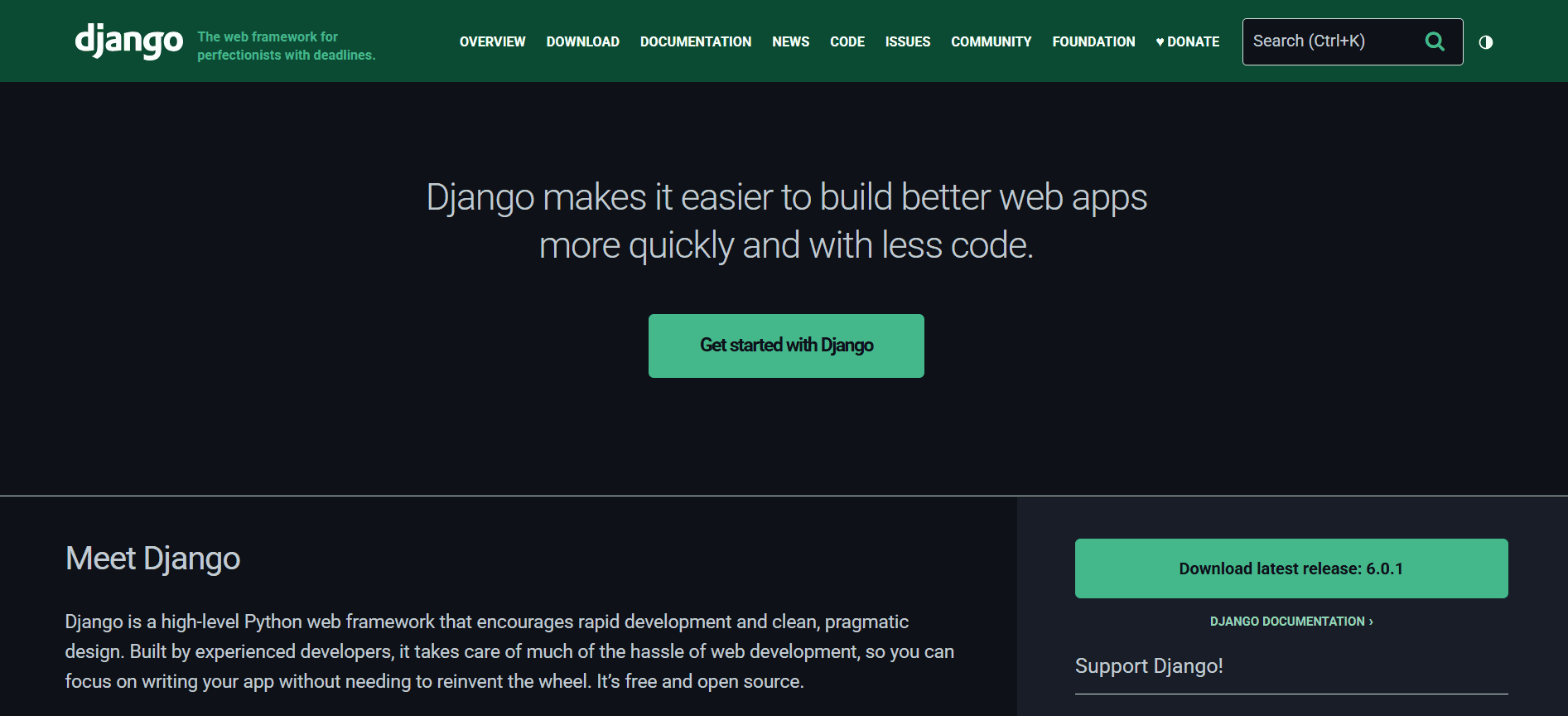
Django is a high-level Python web framework that encourages rapid development and clean, pragmatic design. Developed by the Django Software Foundation and released in 2005, it has become one of the most popular web frameworks for Python developers. Django follows the "batteries included" philosophy, providing a complete set of tools and features out of the box, allowing developers to focus on building their applications rather than reinventing the wheel.
The framework is built on the Model-View-Template (MVT) architectural pattern and emphasizes reusability, maintainability, and scalability. Django's robust ORM, built-in admin interface, authentication system, and extensive ecosystem of packages make it an excellent choice for building complex web applications, from simple blogs to large-scale enterprise systems.
Why Choose Django?
Django has maintained its popularity for over a decade for several compelling reasons. Understanding these advantages will help you decide if Django is the right choice for your next project.
Rapid Development
One of Django's greatest strengths is its emphasis on rapid development. The framework provides a wealth of built-in features that would otherwise require significant development time. Features like user authentication, admin interfaces, and database abstractions are included out of the box, allowing developers to build functional applications quickly.
Security First
Django takes security seriously and implements many security best practices automatically. It protects against common vulnerabilities like SQL injection, cross-site scripting (XSS), cross-site request forgery (CSRF), and clickjacking. The framework's security features are designed to be secure by default, reducing the risk of security vulnerabilities in your applications.
Scalability and Performance
Django is designed to handle high-traffic applications and scale effectively. Companies like Instagram, Pinterest, and Mozilla use Django to serve millions of users daily. The framework's caching framework, database optimization tools, and efficient ORM contribute to its excellent performance characteristics.
Rich Ecosystem
Django boasts a vast ecosystem of third-party packages and extensions. The Django Packages website lists thousands of reusable apps that can be integrated into your projects. Whether you need payment processing, social authentication, or advanced analytics, there's likely a Django package that can help.
Core Concepts
Understanding Django's fundamental concepts is essential for building effective applications. Let's explore the key building blocks that make Django powerful.
Model-View-Template (MVT) Architecture
Django follows the MVT architectural pattern, which is similar to MVC but with some differences. Models represent your data and database interactions, Views handle the business logic and request processing, and Templates manage the presentation layer. This separation of concerns makes Django applications maintainable and scalable.
Object-Relational Mapping (ORM)
Django's ORM provides a high-level abstraction over database operations. Instead of writing raw SQL queries, you define your data models in Python classes, and Django handles the database interactions. The ORM supports multiple database backends including PostgreSQL, MySQL, SQLite, and Oracle.
URL Routing
Django uses a clean, elegant URL design philosophy. URLs are defined in a centralized location using regular expressions or path converters, making it easy to create SEO-friendly, human-readable URLs. The URL dispatcher maps URLs to views, providing a clear separation between URL structure and application logic.
Django Apps
Django applications are organized into reusable modules called "apps." Each app encapsulates a specific functionality and can be reused across different projects. This modular architecture promotes code reusability and makes it easier to maintain large codebases.
Getting Started with Django
Let's walk through creating your first Django application and understanding its structure.
Installation and Setup
Creating a new Django project is straightforward using the django-admin command-line tool:
pip install django
django-admin startproject myproject
cd myproject
python manage.py runserver
This creates a new Django project with the basic structure. The manage.py script provides various commands for managing your Django project, including running the development server, creating database migrations, and more.
Project Structure
A typical Django project has a well-organized structure. The main project directory contains settings files, URL configurations, and WSGI/ASGI configurations. Individual apps are created within the project and contain models, views, templates, and static files.
The settings.py file contains all project configurations, including database settings, installed apps, middleware, and more. The urls.py file defines the URL patterns for your project, while individual apps have their own URL configurations.
Creating Your First App
Django applications are organized into apps. Let's create a simple blog app:
python manage.py startapp blog
This creates a new app with the basic structure. You'll need to add the app to your INSTALLED_APPS in settings.py and create models, views, and templates.
Defining Models
Models in Django represent your data structure. Here's an example of a simple blog post model:
# blog/models.py
from django.db import models
from django.contrib.auth.models import User

class Post(models.Model):
    title = models.CharField(max_length=200)
    content = models.TextField()
    author = models.ForeignKey(User, on_delete=models.CASCADE)
    published_date = models.DateTimeField(auto_now_add=True)

    def __str__(self):
        return self.title
This model creates a database table with the specified fields. Django's ORM handles the database creation and provides methods for querying and manipulating data.
Creating Views
Views in Django handle the business logic. Here's a simple view for displaying blog posts:
# blog/views.py
from django.shortcuts import render
from .models import Post

def post_list(request):
    posts = Post.objects.all().order_by('-published_date')
    return render(request, 'blog/post_list.html', {'posts': posts})
Views can be function-based or class-based. Class-based views provide additional functionality and are often preferred for complex operations.
URL Configuration
URLs are configured in the urls.py files. Here's how to connect the view to a URL:
# blog/urls.py
from django.urls import path
from . import views

urlpatterns = [
    path('', views.post_list, name='post_list'),
]

# myproject/urls.py
from django.contrib import admin
from django.urls import path, include

urlpatterns = [
    path('admin/', admin.site.urls),
    path('blog/', include('blog.urls')),
]
This creates a clean URL structure where /blog/ displays the list of posts.
Key Features in Detail
Let's dive deeper into some of Django's most powerful features that set it apart from other frameworks.
Admin Interface
Django's admin interface is one of its most beloved features. It provides a fully functional web-based admin panel that allows you to manage your application's data without writing any code. The admin interface is automatically generated based on your models and can be customized extensively.
# blog/admin.py
from django.contrib import admin
from .models import Post

@admin.register(Post)
class PostAdmin(admin.ModelAdmin):
    list_display = ['title', 'author', 'published_date']
    search_fields = ['title', 'content']
    list_filter = ['published_date', 'author']
This creates a professional admin interface for managing blog posts with search, filtering, and editing capabilities.
Authentication System
Django includes a comprehensive authentication system that handles user registration, login, logout, password management, and permissions. The system is highly customizable and secure, providing everything you need for user management in your applications.
Forms and Validation
Django's form system simplifies form creation and validation. Forms can be created from models automatically or defined manually, with built-in validation and error handling.
# blog/forms.py
from django import forms
from .models import Post

class PostForm(forms.ModelForm):
    class Meta:
        model = Post
        fields = ['title', 'content']
        widgets = {
            'content': forms.Textarea(attrs={'rows': 10}),
        }
Template System
Django's template system provides a powerful way to separate presentation logic from business logic. Templates support inheritance, custom tags, filters, and more, making it easy to create reusable and maintainable HTML.
Static Files Management
Django provides comprehensive support for managing static files like CSS, JavaScript, and images. The framework includes tools for collecting static files from different apps and serving them efficiently in production.
Deployment and Production
Django applications are production-ready with excellent deployment options and performance optimizations.
Database Migrations
Django's migration system allows you to modify your database schema safely. Migrations are automatically generated based on model changes and can be applied to different environments consistently.
python manage.py makemigrations
python manage.py migrate
Production Settings
Django provides different settings for development and production. Production settings typically include database optimizations, caching configurations, and security enhancements.
Deployment Options
Django can be deployed to various platforms including Heroku, AWS, Google Cloud, and traditional hosting. The framework includes built-in support for WSGI and ASGI servers, making deployment straightforward.
Best Practices
Following these best practices will help you build better Django applications that are maintainable and scalable.
Use Virtual Environments
Always use virtual environments to isolate your project dependencies. Tools like venv or conda help manage different Python environments.
Follow Django's Design Patterns
Django has established patterns for common tasks. Following these patterns makes your code more maintainable and easier for other developers to understand.
Write Tests
Django includes a robust testing framework. Writing tests ensures your application works correctly and makes refactoring safer.
Use Django REST Framework for APIs
For API development, consider using Django REST Framework (DRF), which provides powerful tools for building RESTful APIs on top of Django.
Common Use Cases
Django excels in various application types, each benefiting from different features of the framework.
Content Management Systems
Django is excellent for building CMS applications due to its admin interface, template system, and extensibility.
E-commerce Platforms
With packages like django-oscar and django-shop, Django can power complex e-commerce applications with features like inventory management, payment processing, and order tracking.
Social Applications
Django's authentication system and ORM make it ideal for building social platforms, forums, and community sites.
Data-Driven Applications
For applications that require complex data relationships and reporting, Django's ORM and admin interface provide powerful tools for data management.
Conclusion
Django has established itself as one of the most powerful and versatile web frameworks available. Its "batteries included" philosophy, emphasis on rapid development, and focus on security make it an excellent choice for projects of all sizes.
Whether you're building a simple blog, a complex enterprise application, or a high-traffic website, Django provides the tools and patterns you need to succeed. The framework's extensive documentation, large community, and rich ecosystem ensure that help is always available when you need it.
Start experimenting with Django today, and you'll quickly discover why it remains one of the most popular choices for Python web development. The combination of powerful features, excellent documentation, and a supportive community makes Django an excellent investment in your development skills and your projects' success.